
When you need this
If you only run one type of enquiry (one form, one panel of partners), you can skip this entirely — everything works fine without ever touching Products. It's there for brands running more than one product or service through the same account — for example, both business loans and equipment finance — where different forms need different partners, or different commission rates.
Adding a product
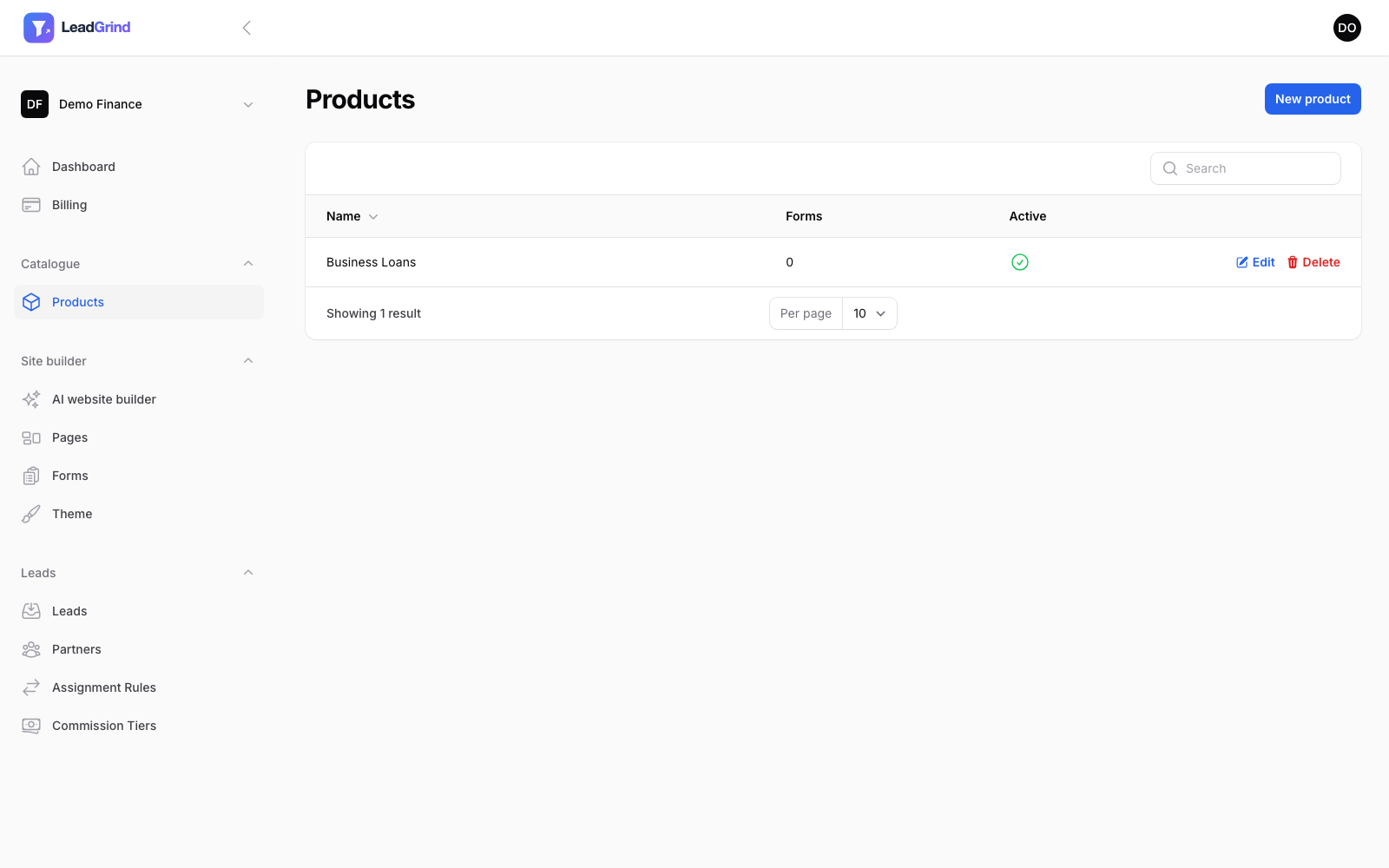
Go to Catalogue → Products and click New product. Give it a Name and, optionally, a Description.
Where it's used
Once you have a product, three other places let you scope things to it:
- Forms — Building a lead capture form: assign a form to a product when you create it.
- Assignment rules — Routing leads to partners: limit a rule to only apply to leads from one product (or one specific form within it).
- Commission tiers — Partner commission: pay a different rate for one product's leads.
This is what lets you have, say, Partner A take every business loan lead while Partner B only takes equipment finance leads over £20,000 — without their rules ever accidentally matching each other's leads just because both forms happen to use a similarly-named field.