
The leads list
Go to Leads → Leads to see every submission across all your forms, newest first.
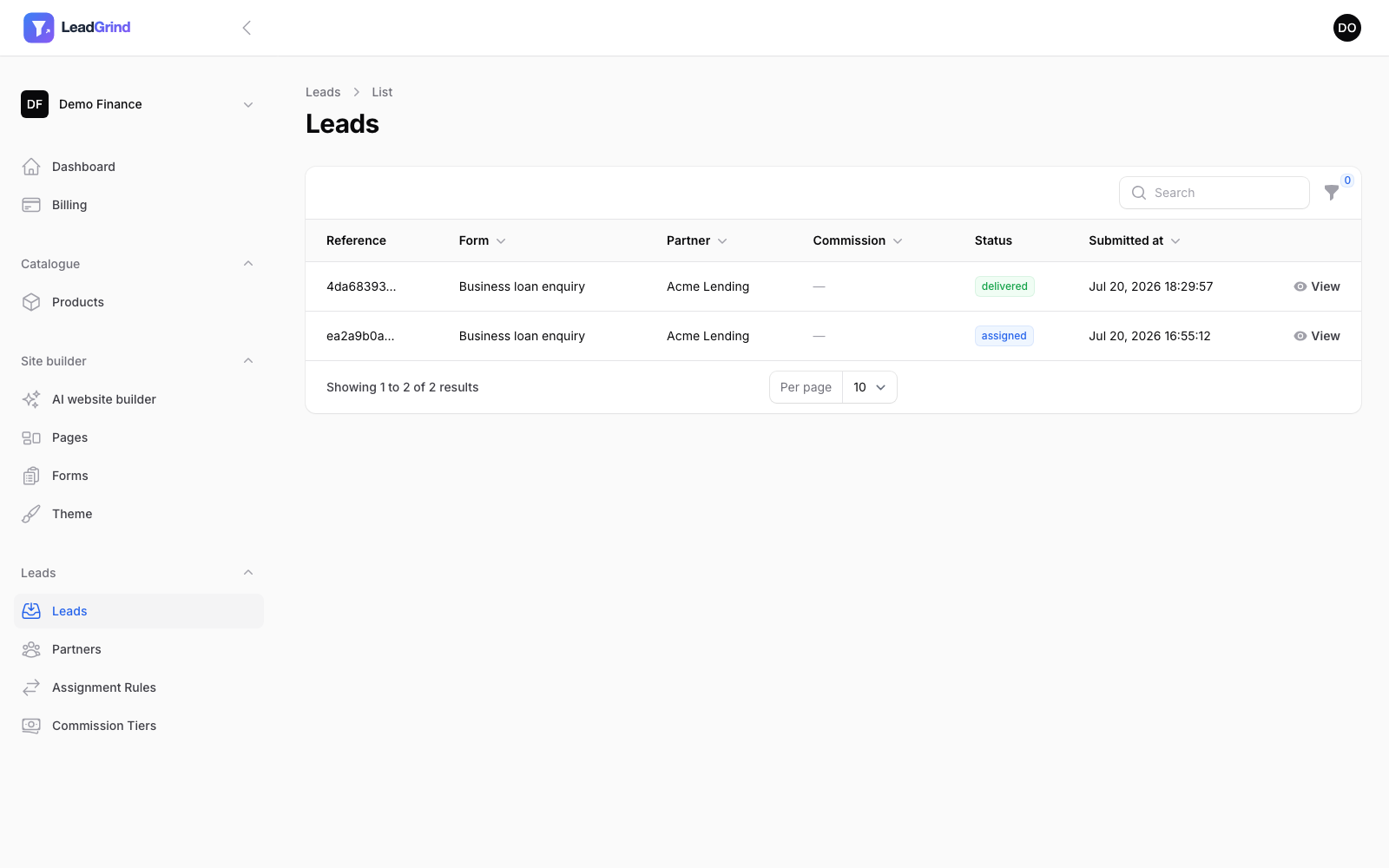
Each row shows:
- Reference — a unique ID for the lead, useful when discussing a specific submission with a partner.
- Form — which form it came from.
- Partner — who it was routed to, if any.
- Commission — what you'll owe the partner for this lead, if commission applies. See Partner commission.
- Status — where it is in the delivery process (e.g. assigned, delivered).
- Submitted at.
Click View on any lead to see every answer the visitor gave, exactly as they entered it.
Filtering and search
Use the search box to find a lead by reference, and the filter icon to narrow the list down — by form, partner, status, or date range. This is the fastest way to check "did this lead actually get delivered" for a specific enquiry a partner is asking about.
Unassigned leads
If a lead doesn't match any of your assignment rules, it's still captured here with no partner attached — it isn't lost, just unrouted. Your dashboard's Unassigned counter flags these so you notice and can adjust your rules. See Routing leads to partners for how matching works.
Can't find what you're looking for? Email us and we'll help directly.