
The default rate
Most lead gen relationships work the other way round from most SaaS billing — your partners pay you per lead. Set a partner's baseline rate on their own page (Leads → Partners, open a partner) in the Default commission per lead field. Leave it blank if this partner doesn't pay commission at all. See Routing leads to partners for the rest of a partner's settings.
Tiering commission
If a partner pays more for higher-value leads, or for leads from a specific product, go to Leads → Commission Tiers and add a tier instead of relying only on the flat default.
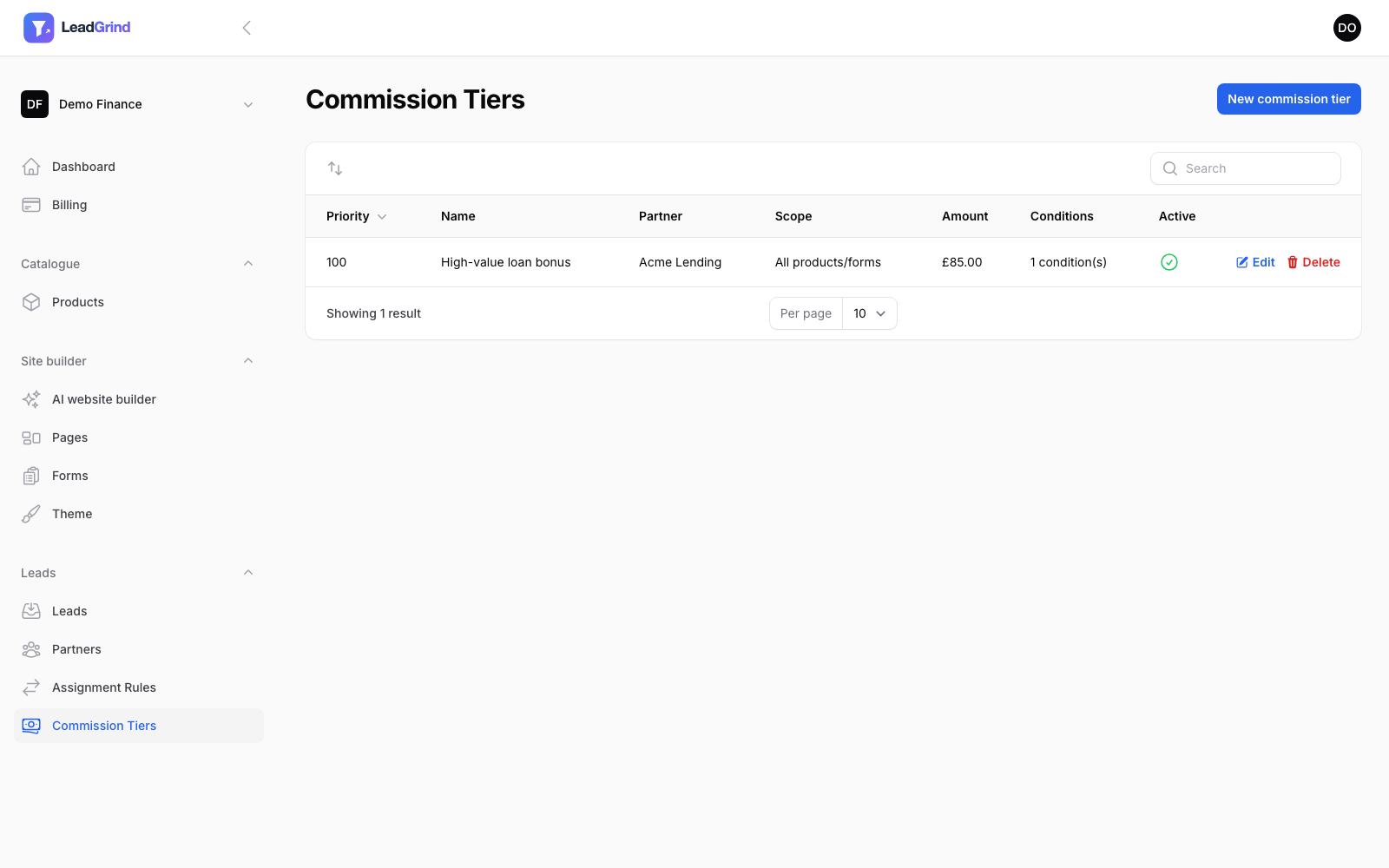
Each tier has the same shape as an assignment rule:
- Partner — who this tier applies to.
- Priority — lower numbers are checked first; the first matching tier wins.
- Match type — All or Any of the conditions below.
- Conditions — e.g.
loan_amount > 50000to pay a bonus rate on larger enquiries. - Amount — the commission for a lead matching this tier, overriding the partner's default for that lead.
- Active.
Scoping a tier to one product or form
Just like assignment rules, a commission tier can be limited with Limit to product or Limit to a specific form, so a bonus rate for one product doesn't accidentally apply to a same-named field on an unrelated form. Leave both blank to apply across everything you send this partner.
How the amount is decided for a given lead
For each lead assigned to a partner, we check that partner's commission tiers in priority order and use the amount from the first one that matches (respecting product/form scope). If none match, the partner's Default commission per lead applies instead. The amount that was actually used is shown against the lead in Managing your leads, so you always know what you owe.